Available now
Free Cloud
Google sign-in. No payment card.
- 1 active cloud project
- 5 private snapshots per project
- 5 Share Versions per project
Early Access · v0.1.19
A full 3D editor for furniture that fits your space. From a cabinet to a whole living-room wall: model freely, snap precisely, and let parametric tools handle the repetitive work. Prepare a cutting plan from the same model.
No installation. Start without an account, or sign in to use Free Cloud for one project.
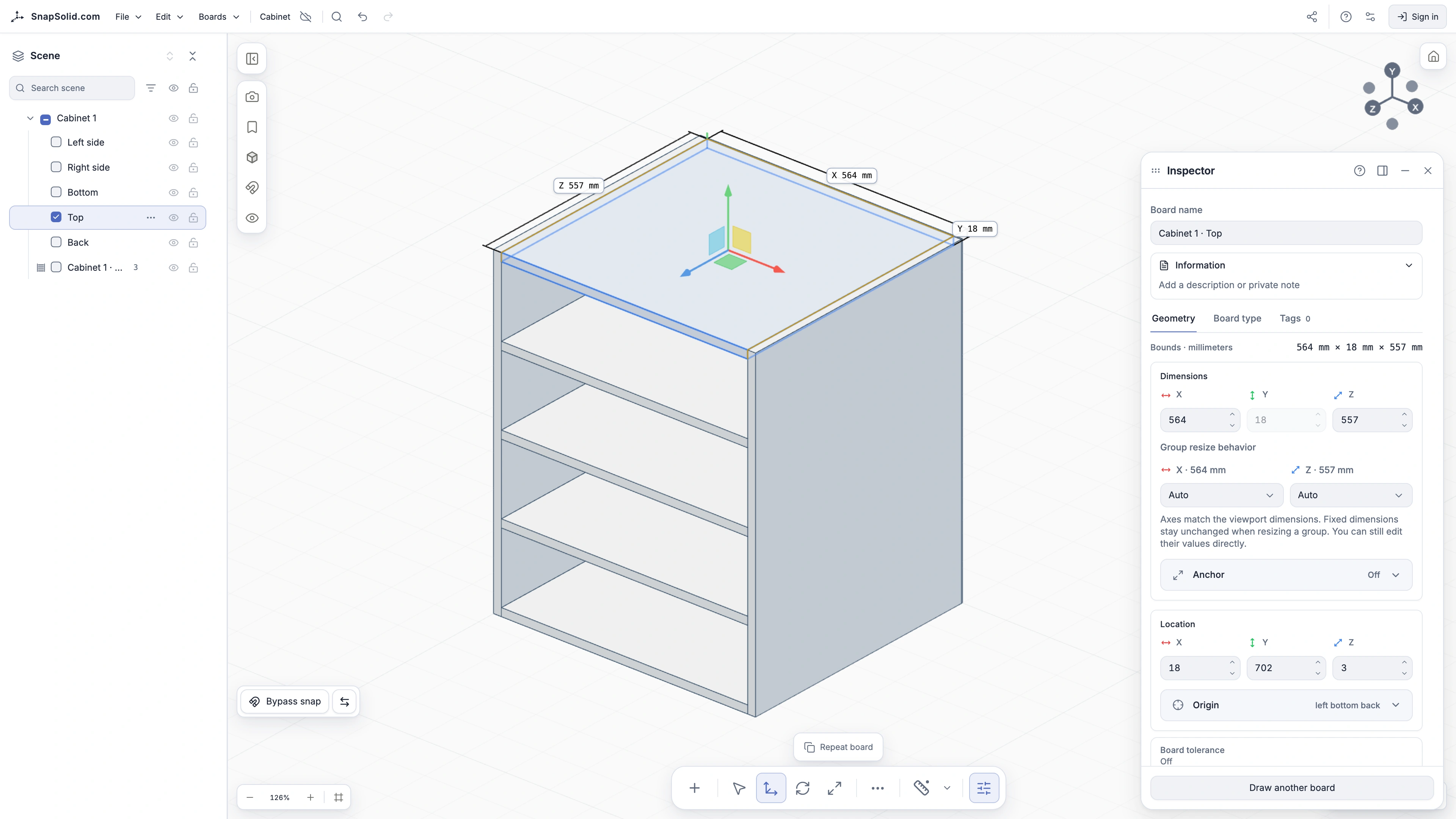
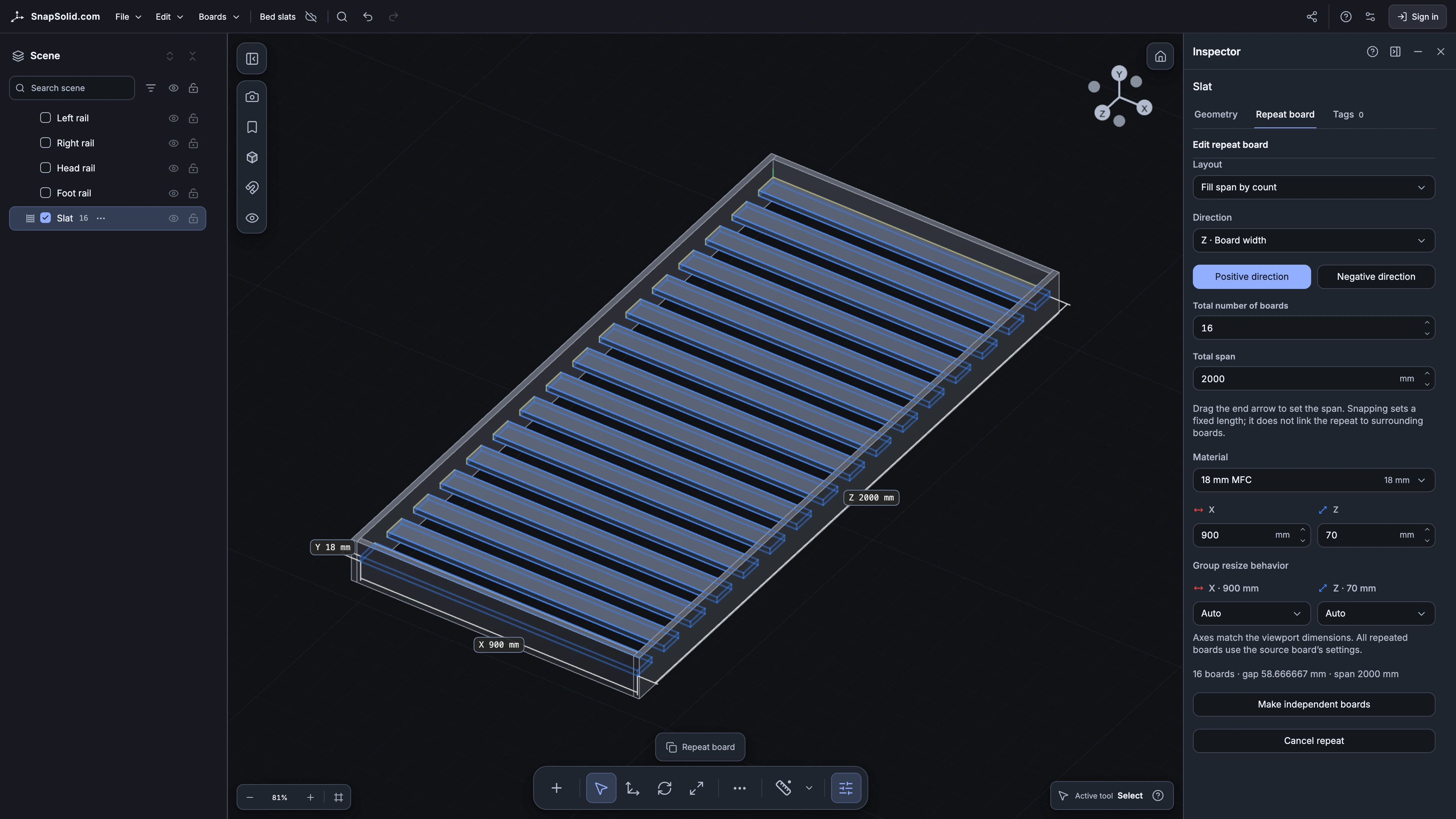
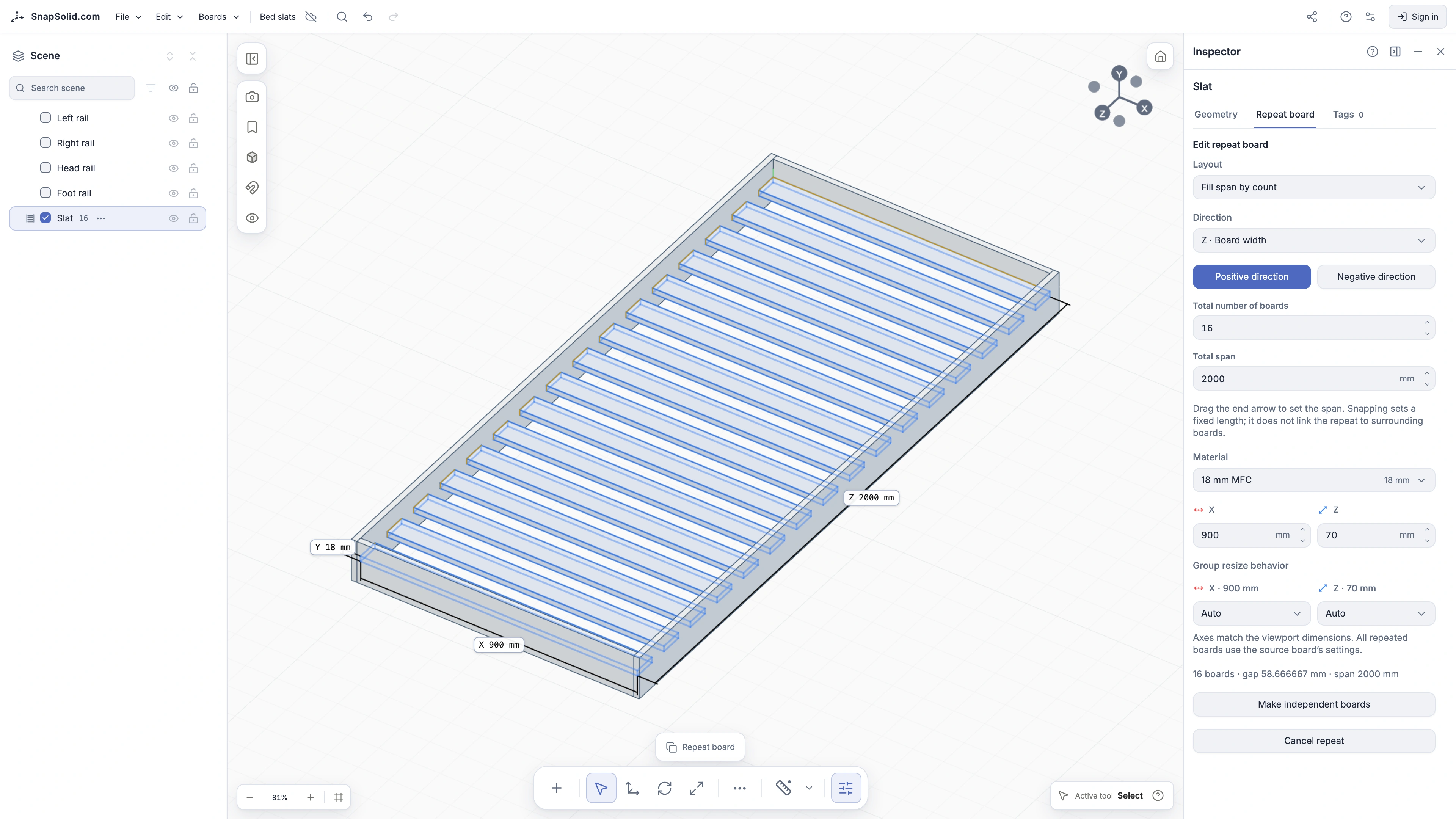
Start with a volume, turn it into a construction, and refine every part directly in space. A side panel in 3D is the same board in the cutting plan. Your manufacturing model grows as you design.
01
Start with a helper box to mark out the furniture you want to build.
02
Give the box an exact width, depth, and height. It becomes your construction reference.
03
Convert the helper into a cabinet. Choose the material, thickness, and wall arrangement in the preview.
04
Create evenly spaced shelves, then adjust any part directly in 3D.
05
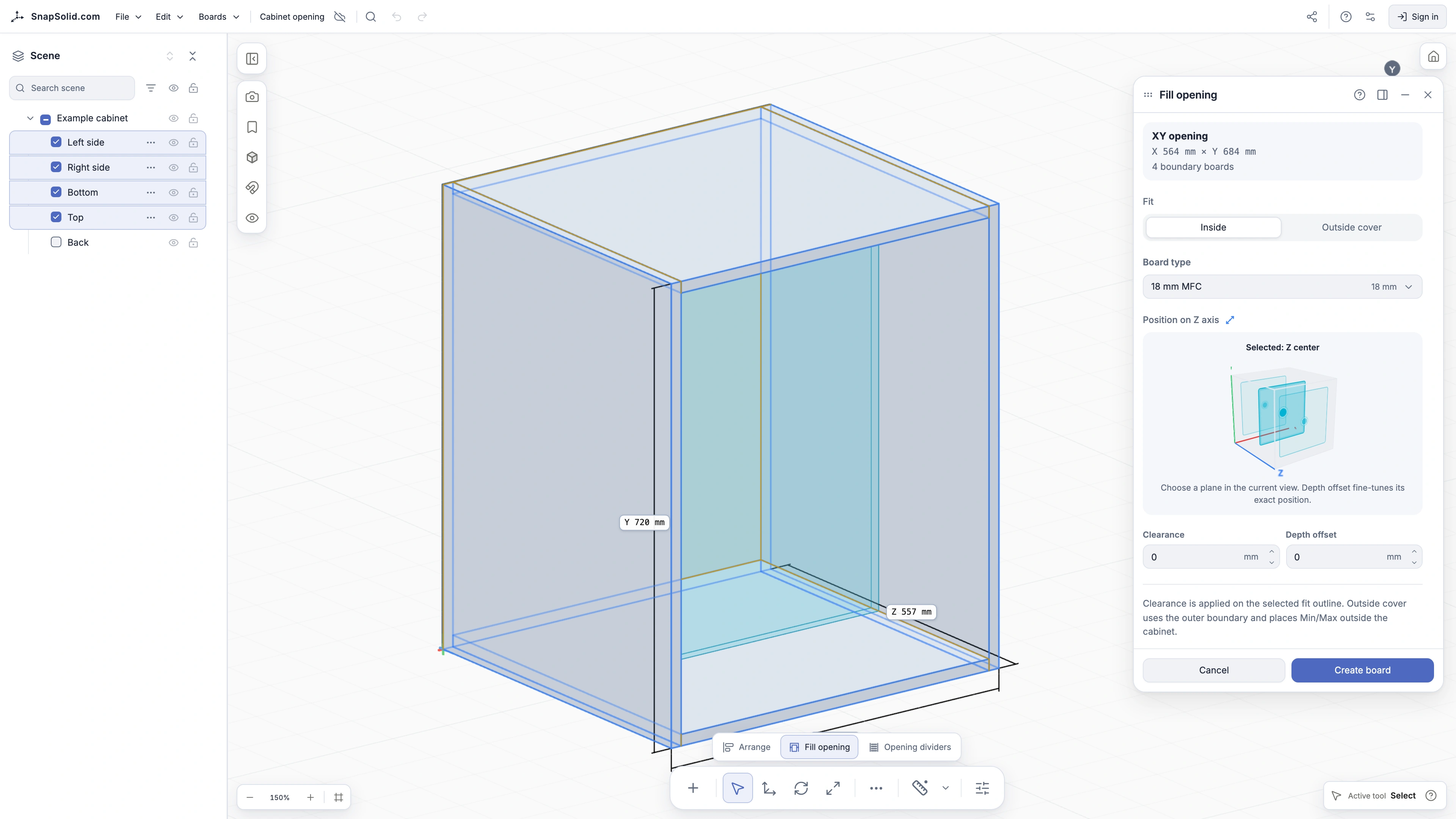
Fit a board into an opening and set the clearance you need. Its finished dimensions carry through to the cutting plan.
06
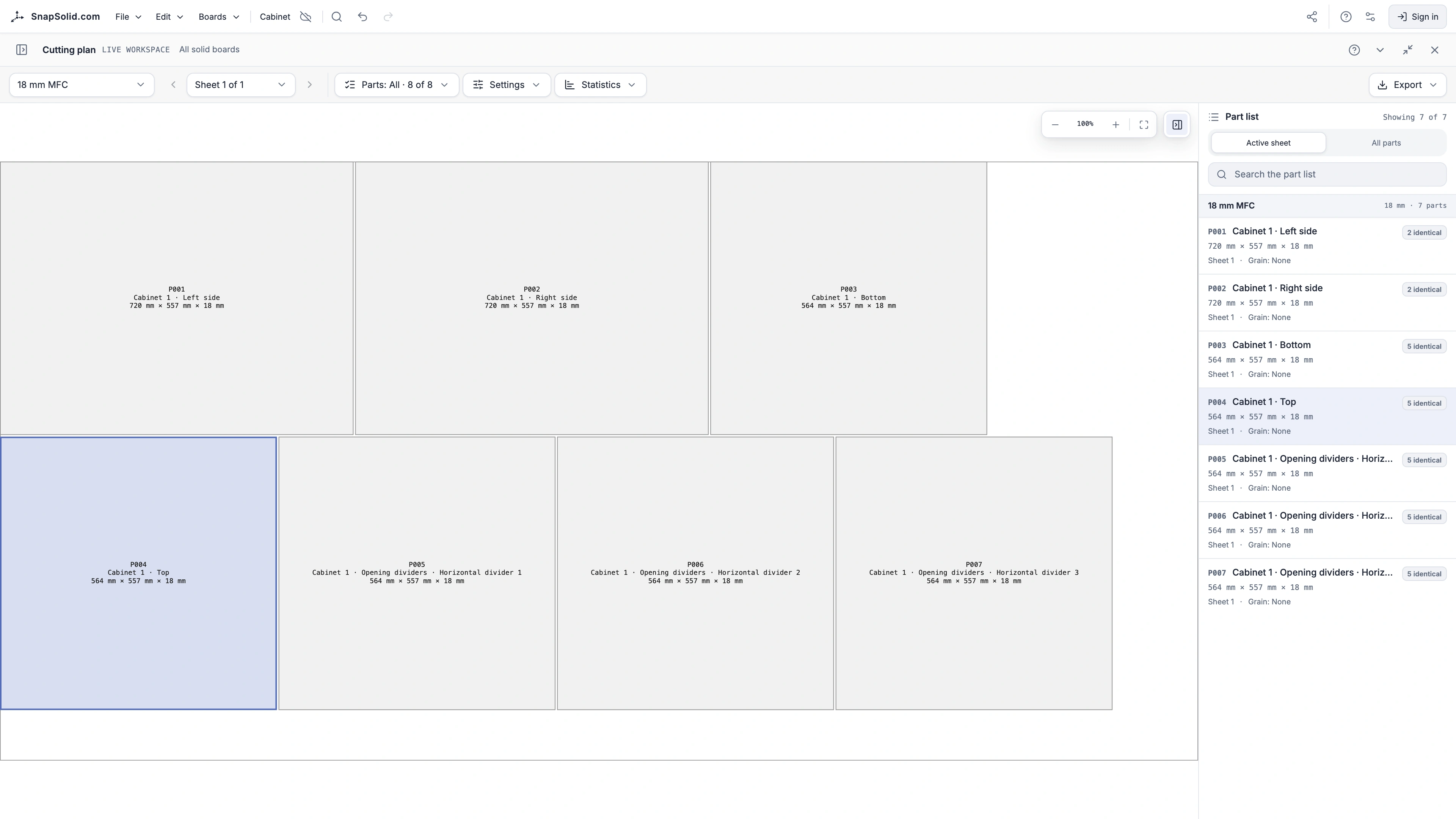
The same boards become your parts list and sheet layout. Check the result, then export CSV or PDF.
The boards come straight from the model. Choose the stock sheet, kerf, rotation, and grain settings, then export a layout you can verify before cutting.
Select a board, move it, resize it, duplicate it, or delete it. Undo and redo your changes as you explore. Choose Open in editor to keep your model as a new project.
SnapSolid tools are designed to simplify common tasks and reduce repetitive work, so you can focus on your design.
Make the editor feel comfortable for the way you work. Choose a light or dark theme in settings.
Freedom to design, precision to build. From the first board to the cutting plan, you work with the same model.
Design, prepare cutting plans, and export without a subscription. Keep unlimited projects locally. Cloud adds sync across devices and lets you share designs with clients.
Plans differ only in Cloud capacity.
Available now
Google sign-in. No payment card.
Planned
Room for several projects at once
Planned
Capacity for ongoing client work
Hobby and Pro are planned tiers; their pricing and launch date have not been set. Paid subscriptions are not available to purchase yet.
A private snapshot saves a project state before you make more changes. Give it a name and return to it when you want to try another direction.
Clients can explore and measure a Share Version in 3D without an account. Your ongoing edits stay separate. When you are ready, update the shared version using the same link, or revoke access.
SnapSolid is in Early Access. This is the direction of the work, not a release calendar.
SnapSolid is designed for board-based furniture. The same tools for precise dimensions, snapping, and simple shapes also work for smaller projects: a spacer, a stand, or a box for 3D printing. Model the part and export it as STL.
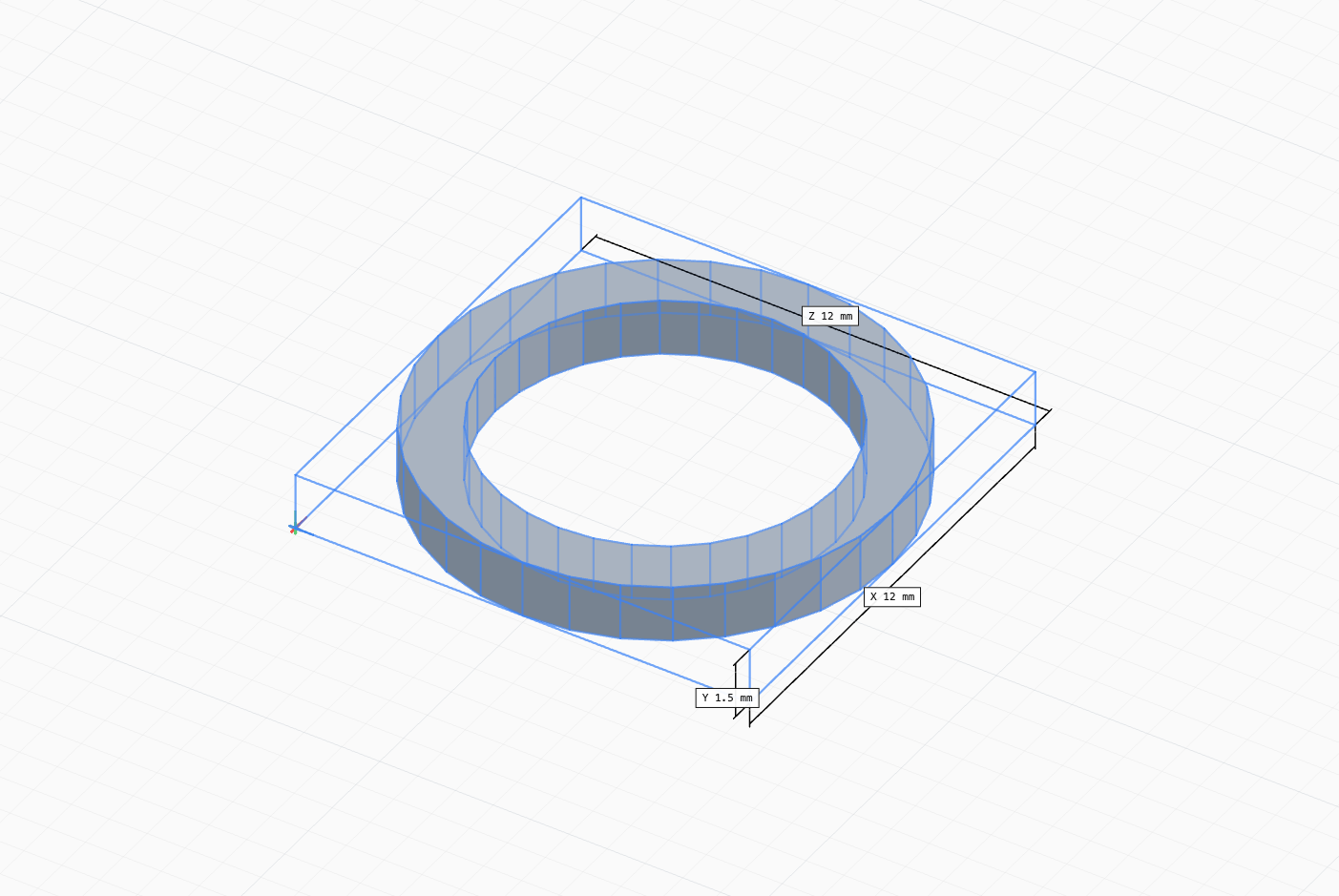
Replacement part
A precisely sized spacer ring made for a coffee machine. Modeled from simple geometry and exported for 3D printing.
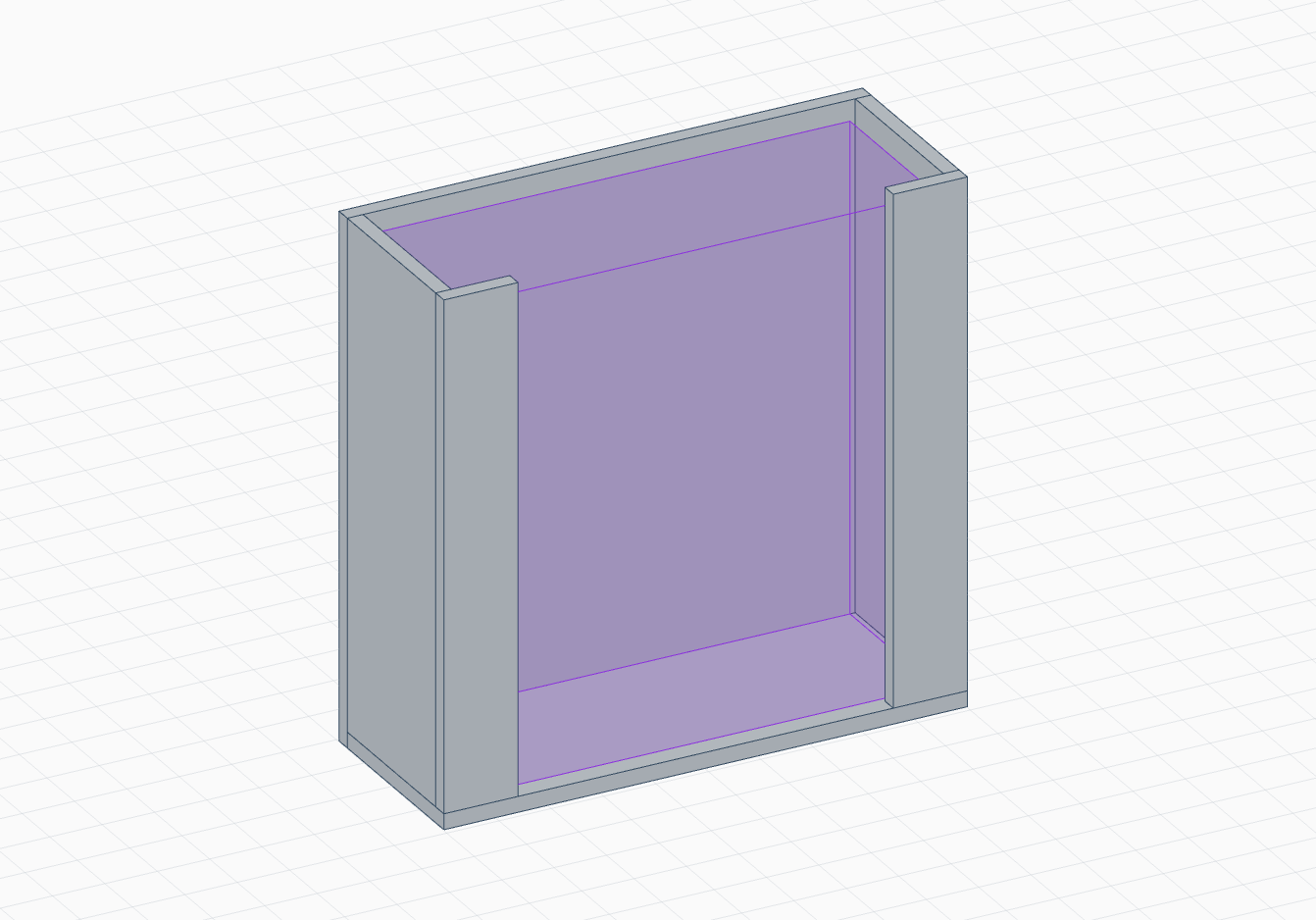
Quick utility part
A small custom stand built from a few simple pieces and exported as STL.
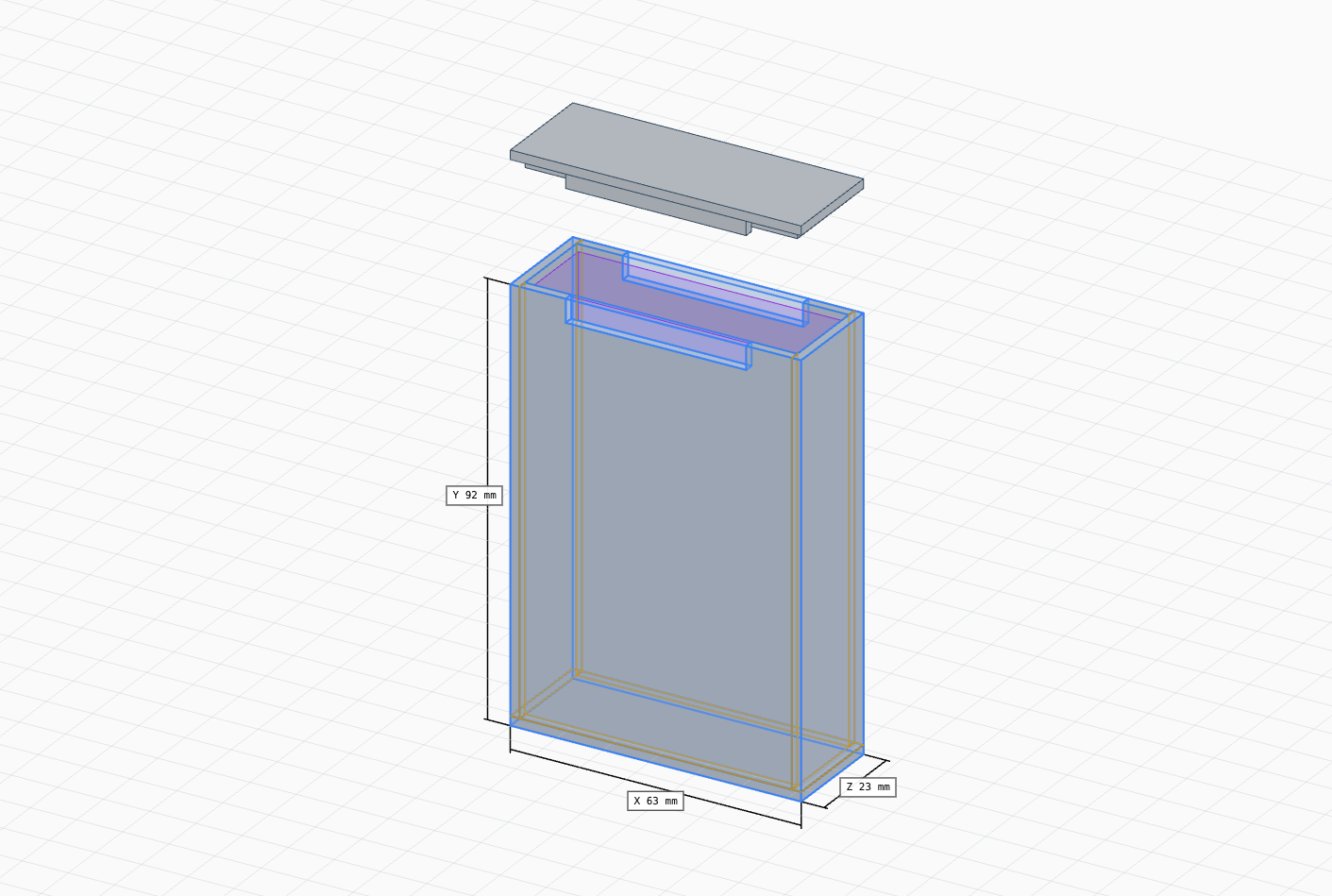
Simple enclosure
A custom-sized box assembled from boards in a few clicks.
The practical details about learning, files, manufacturing, and what stays free.
No. You work with real board sizes and assemble parts directly in 3D. Try the cabinet demo before starting your own project. The editor includes a guided tour and task-focused Help for navigation, your first boards, and common furniture tools.
You can build board-based furniture directly from individual parts, including shelves, desks, and fitted units. Carcass generation and opening tools speed up repetitive work; their boards remain editable. Simple solids and STL export also support small 3D-printing projects. SnapSolid is focused on board furniture rather than general-purpose CAD.
Yes, including commercial design work. All modeling tools, cutting plans, and exports are included, with unlimited local projects and no account required. Free Cloud is available after Google sign-in. Planned paid tiers add Cloud capacity, never exclusive modeling tools.
No installation is needed. The 3D view requires a browser with WebGL support. You can use a mouse and keyboard or touch controls; tablet editing supports the main modeling tools. Some desktop shortcuts and scene-tree gestures do not yet have touch equivalents.
Boards use real dimensions and physical material thickness. If you add clearances, the reference size used for modeling can differ from the finished part size. Board drawings and cutting plans use the finished dimensions. Check those dimensions and your actual material before production.
Dimensioned part drawings and a cutting plan grouped by material. Set stock sheets, grain direction, kerf, edge trim, and allowed rotation. Export plan data as CSV, download a PDF report, or print the output. The boards come from the model, so you do not need to enter the parts again.
Not yet. Edge banding and hardware are not included in manufacturing data, and DXF or CNC toolpaths are not available. Cutouts are rectangular through-cuts; pockets and curved profiles are not supported. Check construction details and machine-specific requirements separately before cutting.
Import currently accepts SnapSolid project files in JSON format. STEP, DXF, and STL model import are not available. STL is an export format for solid geometry; it does not preserve an editable SnapSolid project. Use a project file when you want to continue editing later.
Projects save automatically in this browser. Sign in and add a project to Cloud to sync it across devices. You can also download a project file as a backup. Clearing this site’s browser data removes local copies; projects already synced to Cloud remain in your account.
Yes. Publish a Share Version from a Cloud project. The client opens a link to explore and measure the chosen 3D version without signing in. Your ongoing edits do not change it. Update it using the same link, publish parallel alternatives, or revoke access.
Local projects stay in your browser. Only projects you choose to sync are uploaded to Cloud, where they remain private unless you publish a Share Version. Anyone with its link can view that version until you revoke access. Working notes are excluded from shared versions.
I send release notes when there is something worth showing.